
How to Read Your Bill
This guide helps you understand your monthly bill by explaining each section and what the charges mean.
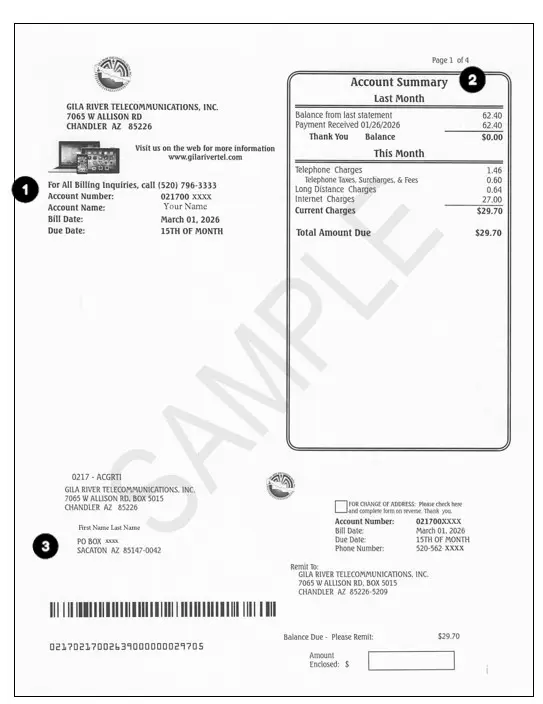
Sample Bill Overview
Click the image to enlarge. Each numbered section is explained below.
Section 1
Identification Section
This section appears on every page and includes:
- Your name and account number
- Billing date
- Payment due date
- Contact number for questions
Example from your bill
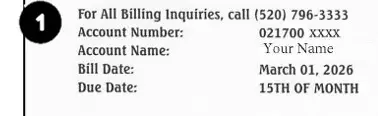
Use this information when making payments or contacting support.
Section 2
Account Summary
This section gives a snapshot of your account activity, including:
- Previous balance
- Payments made
- New monthly charges
- Total Amount Due
Example from your bill

Section 3
Remittance Section
This portion is used if paying by mail:
- Detach the remittance slip
- Include it with your payment
- Write the payment amount in the space provided
- Update your address on the back if needed
Example from your bill

The mailing address is preprinted to align with the return envelope.
Section 4
Customer Message
This area includes important updates, such as:
- Account notices
- Service announcements
- Billing reminders
- Upcoming changes or promotions
Example from your bill
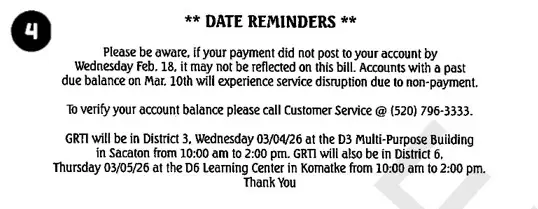
The mailing address is preprinted to align with the return envelope.
Section 5
Summary of Current Account Activity
This provides a breakdown of your current month’s charges.
Example from your bill

Section 6
Telephone Service Charges
This section includes:
- Monthly phone service fees
- Bundles or feature packages
- Credits or adjustments
- Taxes and surcharges
Example from your bill
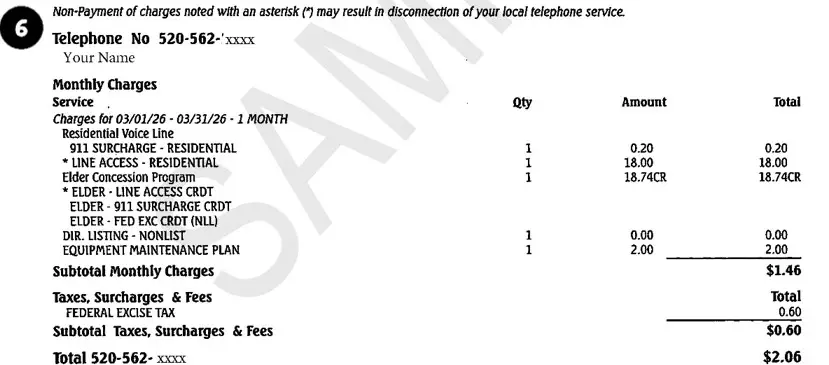
It reflects all phone-related charges for the billing cycle.
Section 7
Long Distance Charges
If applicable, this section lists:
- Long-distance calls placed
- Call dates and details
- Associated charges
Example from your bill

Not all customers will see this section.
Section 8
Internet Service Charges
This section shows your internet services, including:
- Current speed plan
- Monthly internet pricing
- Internet-related adjustments
Example from your bill
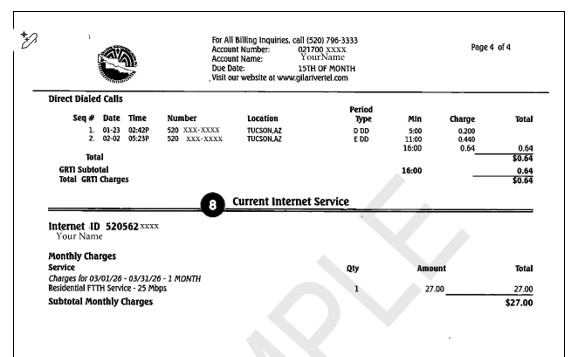
It explains what you are paying for your internet service each month.
Tips for Reviewing Your Bill
- Compare the Total Amount Due each month to spot changes.
- Check the Account Summary first for a quick overview.
- Review service sections if your bill changes unexpectedly.
- Contact support if you see unfamiliar charges.
Good to Know
- Surcharges may vary by location.
- Promotional pricing may change after an introductory period.
- One-time charges may appear after installs or service visits.
- Billing messages often explain upcoming changes.
Need Help?
If you have questions about your bill or need help understanding charges, our team is here to help.